Practice Free CKAD Exam Online Questions
SIMULATION
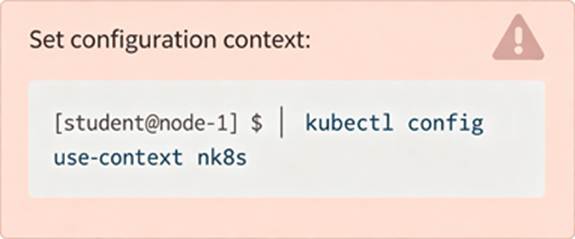
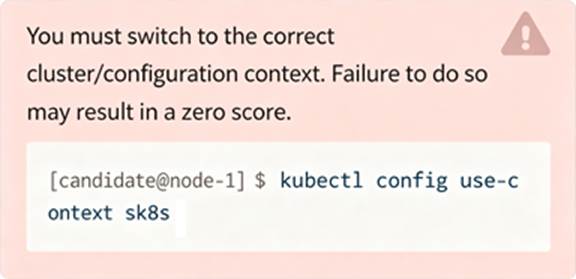
Set Configuration Context:
[student@node-1] $ | kubectl
Config use-context k8s
Task
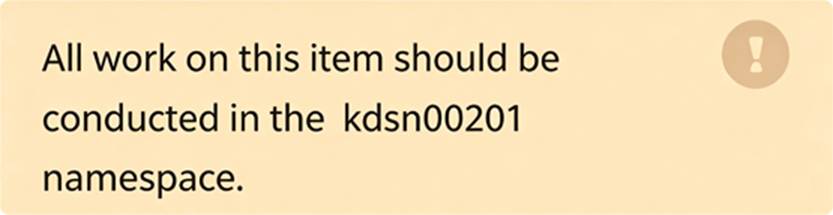
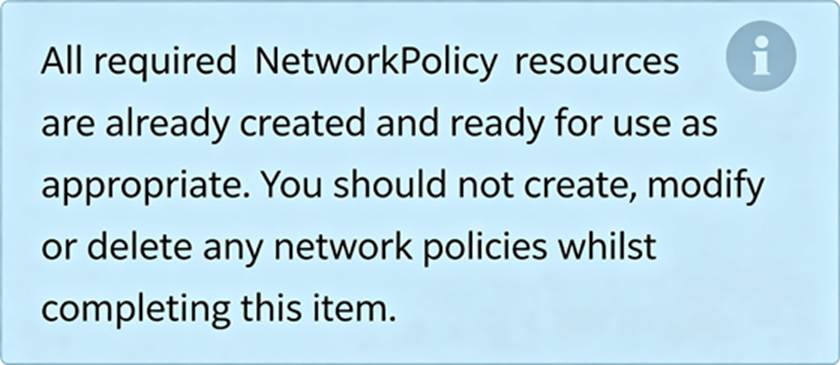
You have rolled out a new pod to your infrastructure and now you need to allow it to communicate with the web and storage pods but nothing else. Given the running pod kdsn00201 -newpod edit it to use a network policy that will allow it to send and receive traffic only to and from the web and storage pods.
SIMULATION
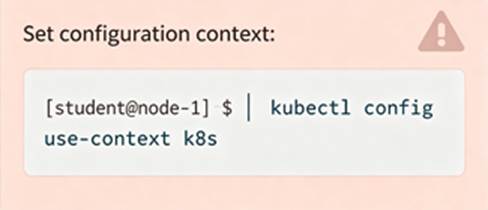
Set Configuration Context:
[student@node-1] $ | kubectl
Config use-context k8s
Task
You have rolled out a new pod to your infrastructure and now you need to allow it to communicate with the web and storage pods but nothing else. Given the running pod kdsn00201 -newpod edit it to use a network policy that will allow it to send and receive traffic only to and from the web and storage pods.
SIMULATION
Context
Developers occasionally need to submit pods that run periodically.
Task
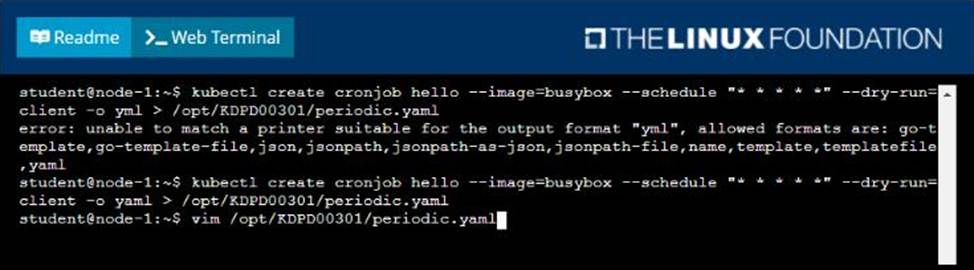
Follow the steps below to create a pod that will start at a predetermined time and]which runs to completion only once each time it is started:
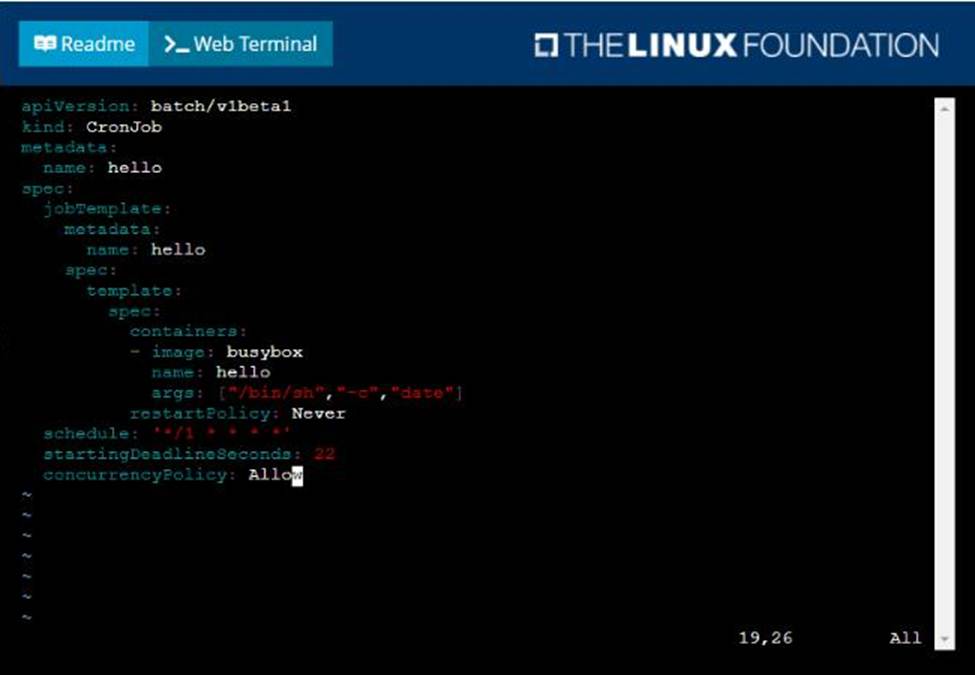
• Create a YAML formatted Kubernetes manifest /opt/KDPD00301/periodic.yaml that runs the following shell command: date in a single busybox container. The command should run every minute and must complete within 22 seconds or be terminated oy Kubernetes. The Cronjob namp and container name should both be hello
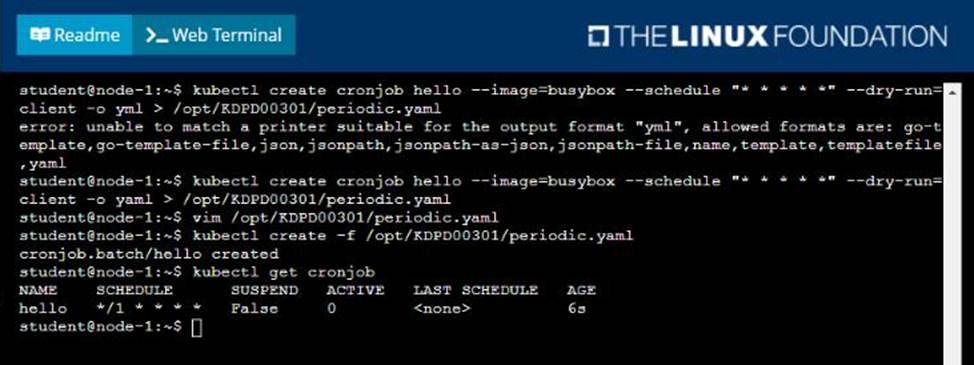
• Create the resource in the above manifest and verify that the job executes successfully at least once
SIMULATION
Context
You must connect to the correct host. Failure to do so may result in a zero score.
!
[candidate@base] $ ssh ckad00028
Task
A Pod within the Deployment named honeybee-deployment and in namespace gorilla is logging errors.
Look at the logs to identify error messages.
Look at the logs to identify error messages.
Find errors, including User
"system: serviceaccount: gorilla: default" cannot list resource "pods" [ … ] in the namespace "gorilla"
Update the Deployment honeybee-deployment to resolve the errors in the logs of the Pod.
The honeybee-deployment ‘s manifest file can be found at
/home/candidate/prompt-escargot/honey bee-deployment.yaml
SIMULATION
Context
You are asked to scale an existing application and expose it within your infrastructure.
First, update the Deployment nginx-deployment in the prod namespace:
. to run 2 replicas of the Pod
. add the following label to the Pod:
role: webFrontEnd
Next, create a NodePort Service named rover in the prod namespace exposing the nginx-deployment Deployment ‘s Pods
SIMULATION
Context
As a Kubernetes application developer you will often find yourself needing to update a running application.
Task
Please complete the following:
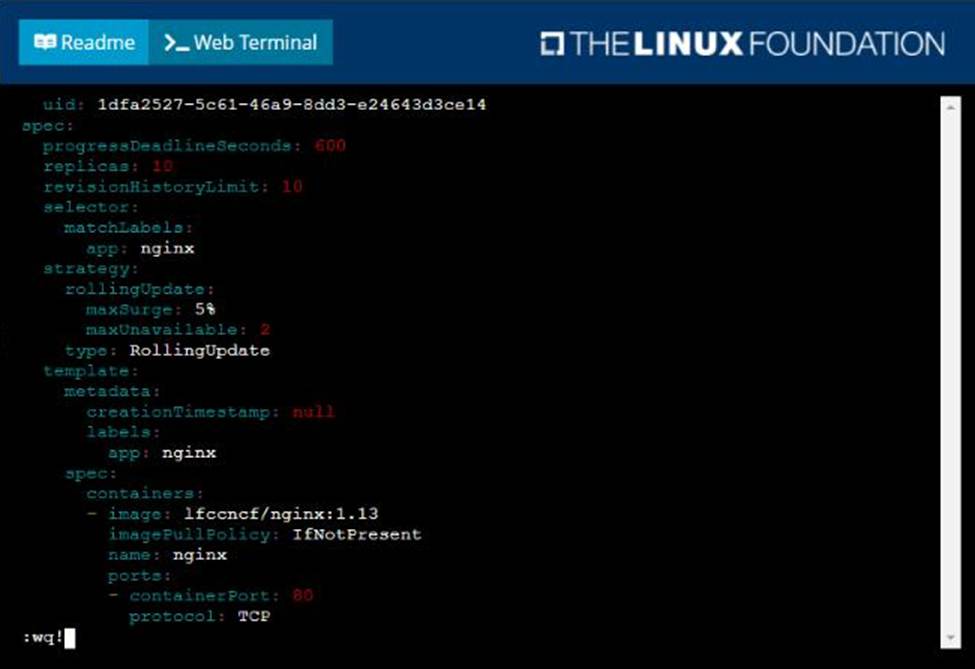
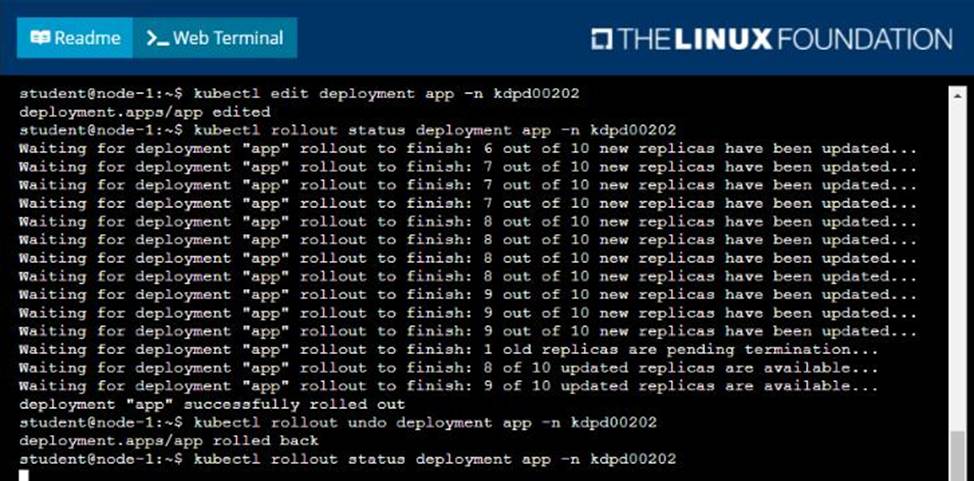
• Update the app deployment in the kdpd00202 namespace with a maxSurge of 5% and a maxUnavailable of 2%
• Perform a rolling update of the web1 deployment, changing the Ifccncf/ngmx image version to 1.13
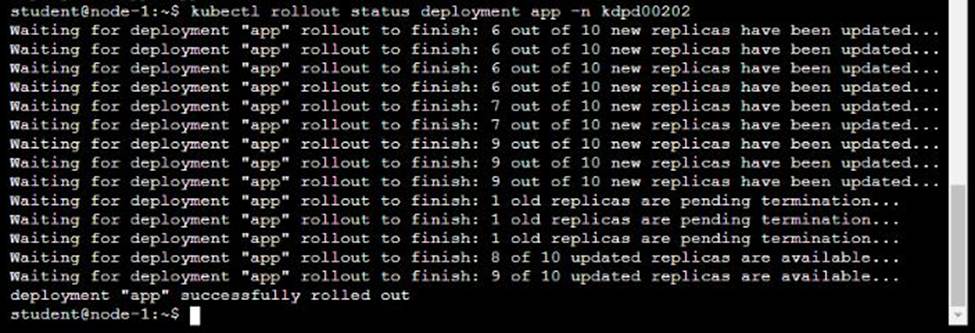
• Roll back the app deployment to the previous version

SIMULATION
Context
You must connect to the correct host. Failure to do so may result in a zero score.
[candidate@base] $ ssh ckad00043
A Deployment needs specific RBAC permissions.
Task
First, find the RBAC permissions needed by the scraper Deployment running in the cute-panda namespace.
it kubectl logs may help you to find the permissions it needs.
Next, create a new ServiceAccount named scraper in the namespace cute-panda.
SIMULATION
You must connect to the correct host. Failure to do so may result in a zero score.
[candidate@base] $ ssh ckad00033
Task
A Dockerfile has been prepared at /home/candidate/build/Dockerfile.
Using the prepared Dockerfile, build a container image with the name macaque and tag 1.2. You may install and use the tool of your choice.
Multiple image builders and tools have been pre-installed in the base system, including: docker, skopeo, buildah, img, and podman.
Please do not push the built image to a registry, run a container, or otherwise consume it.
Using the tool of your choice, export the built container image in OCI or Docker image format and store it at /home/candidate/macaque-1.2.tar.
SIMULATION
Task
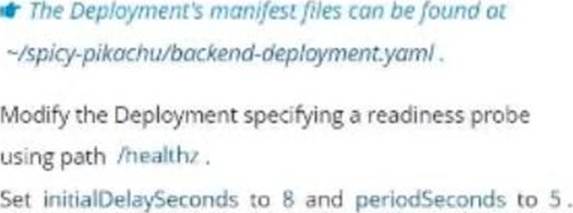
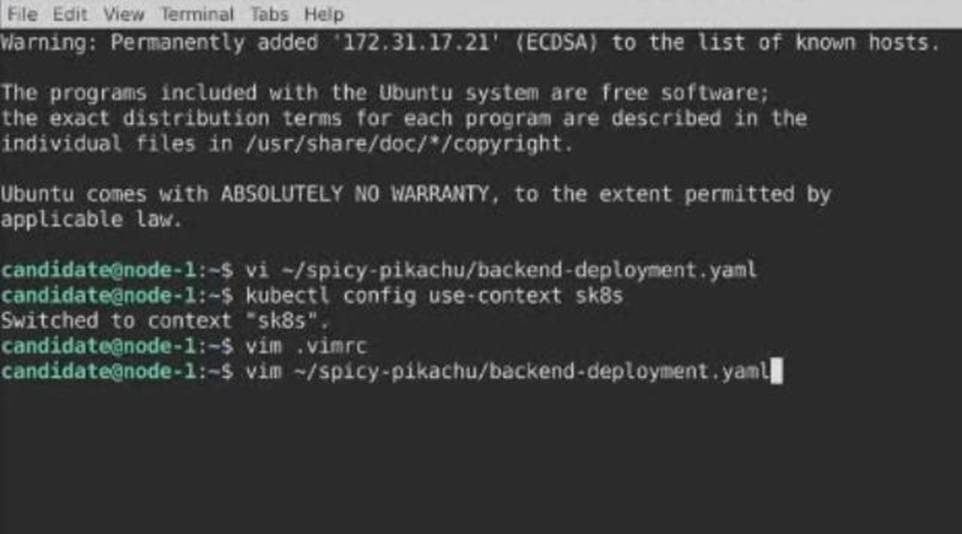
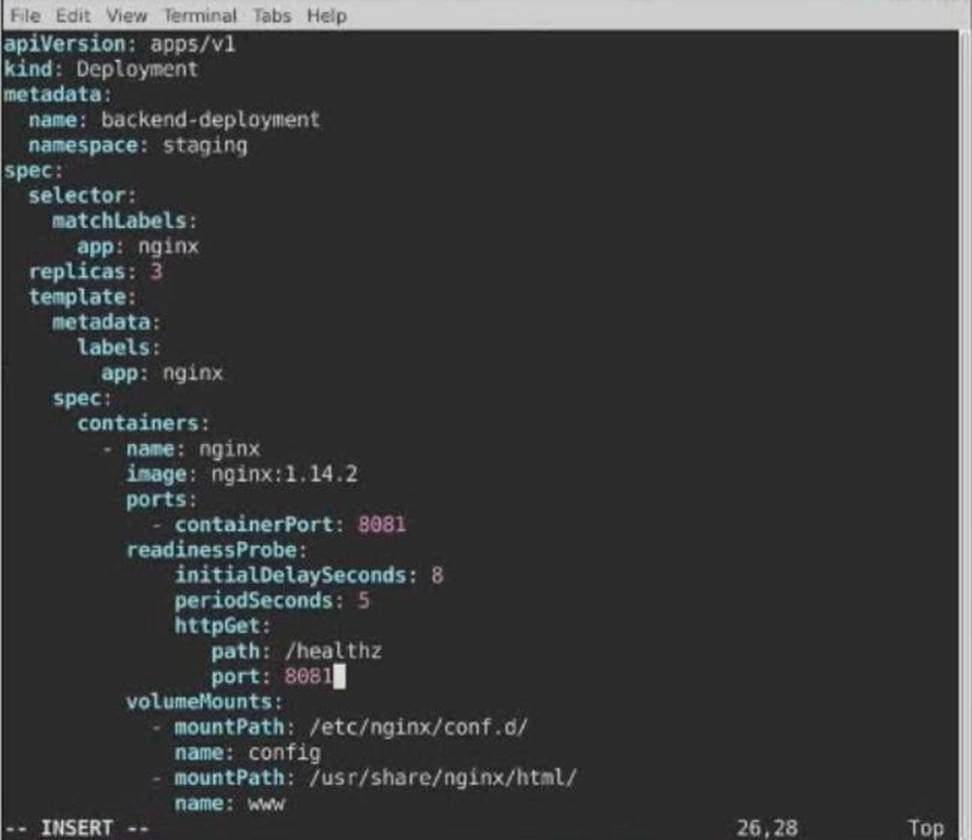
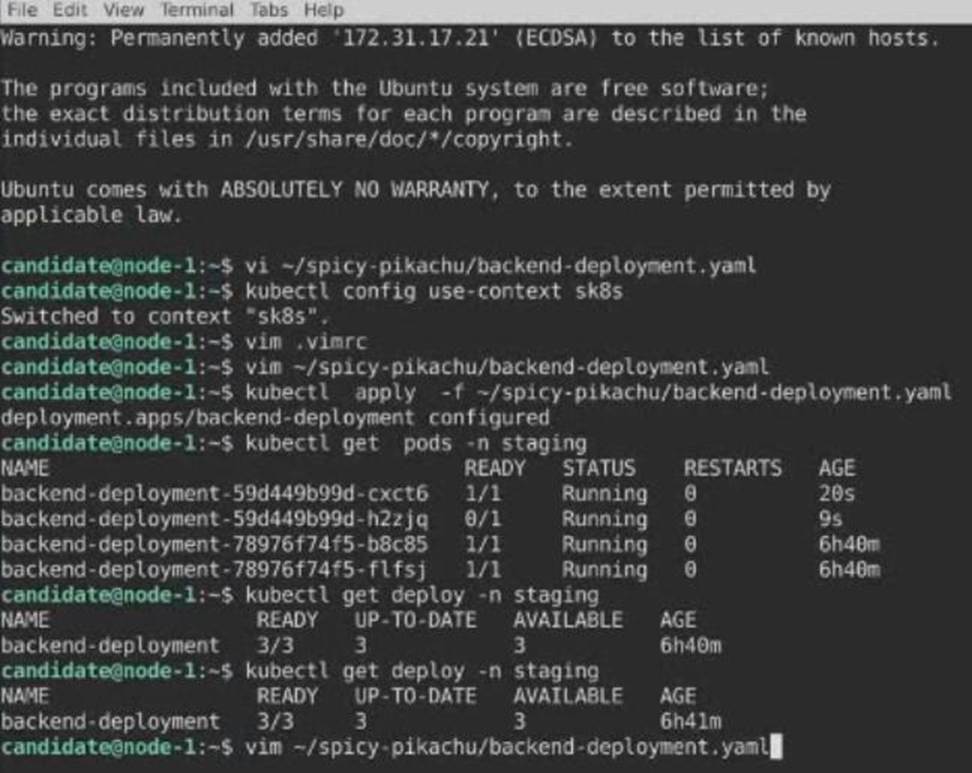
A Deployment named backend-deployment in namespace staging runs a web application on port 8081.