
Practice Free AD0-E911 Exam Online Questions
A project manager wants to see all of the assignees for each task in a project.
Which field should the manager reference to view all task assignees?
- A . Assigned To
- B . Assignments
- C . Assigned
B
Explanation:
In Adobe Workfront, the "Assignments" field allows a project manager to see all the users assigned to a task. This field is useful for viewing multiple assignees on a single task, as tasks can have more than one person responsible. The "Assigned To" and "Assigned" fields are often used for single-user assignments and are not as comprehensive for viewing all task assignees.
A resource manager wants to review how resources are utilized across multiple projects to make staffing decisions.
Which Workfront tool should the resource manager use?
- A . Scenario Planner
- B . Timesheets
- C . Workload Balancer
C
Explanation:
In Adobe Workfront, the Workload Balancer is the correct tool for reviewing resource utilization across multiple projects and making staffing decisions. Adobe documentation explains that the Workload Balancer helps users visualize and manage people’s workloads and demand in one view, at the global, project, or team level. This makes it useful for resource managers who need to see whether team members are overallocated, underutilized, or available for more work across different projects. Adobe’s best-practice guidance also states that the Workload Balancer provides a clear visual mapping of overallocation and underutilization, helping managers determine which team members have bandwidth to complete tasks or issues on time. Scenario Planner is used for high-level planning scenarios and job-skill forecasting, not day-to-day staffing review. Timesheets are used to track and submit time worked, but they do not provide the same forward-looking workload and capacity view.
Therefore, the correct answer is C. Workload Balancer.
Which aspect of a project determines the Progress Status?
- A . Timeline
- B . Critical Path
- C . Milestone Tasks
A
Explanation:
In Adobe Workfront, the Progress Status of a project is determined by the project’s progression across its timeline. Adobe documentation states that Workfront determines project Progress Status by evaluating how the project is progressing against its timeline, including comparisons between planned, projected, and estimated completion dates. This is why project Progress Status can appear as values such as On Time, At Risk, Behind, or Late depending on how the current forecast relates to the planned completion date. Critical Path is important because it identifies the sequence of tasks that can affect the project timeline, but it is not the direct field or aspect that determines Progress Status. Milestone Tasks are used to mark important points or phases in a project and can help with milestone reporting, but they also do not determine the overall Progress Status by themselves.
Therefore, the correct answer is A. Timeline.
Taking into consideration any applied task constraints, a project manager needs to know the date that a task is likely to be finished based upon the current progress of the task and its predecessors.
Which date type should the project manager utilize?
- A . Projected Date
- B . Planned Date
- C . Estimated Date
A
Explanation:
The Projected Date in Adobe Workfront is dynamically calculated based on the progress of the task, any task constraints, and its dependencies. This date provides a more accurate reflection of when a task is likely to be completed, considering the current progress and any updates to predecessor tasks. On the other hand, the Planned Date refers to the originally scheduled completion date, and the Estimated Date is not manually entered but inferred from system calculations.
Refer to the exhibit.
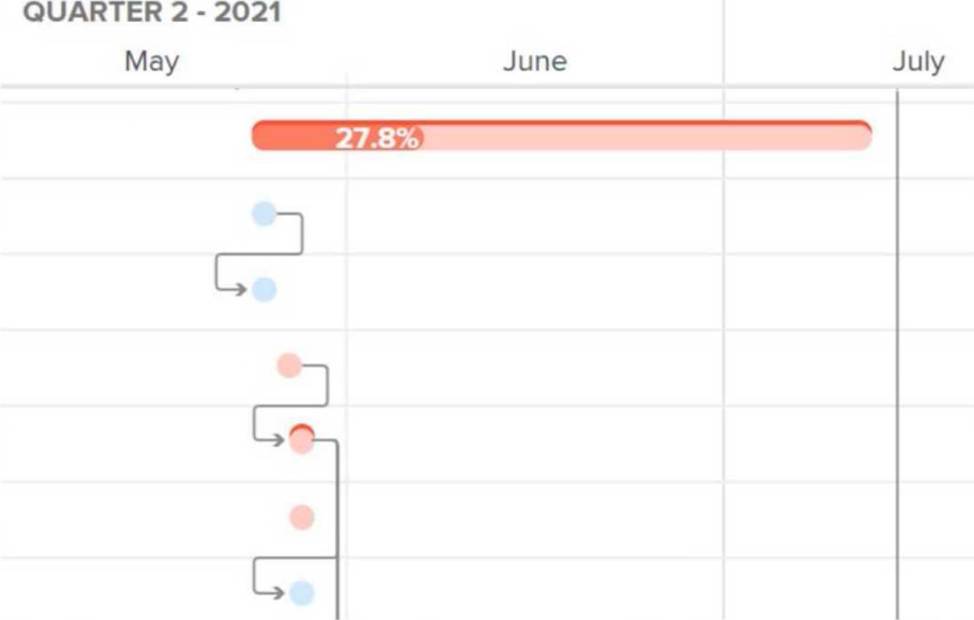
Identified in red on a Gantt chart, what are the tasks called whose changes may affect the overall timeline of a project?
- A . Critical Path
- B . Baselines
- C . Milestones
A
Explanation:
In Adobe Workfront, and in general project management, the Critical Path refers to the sequence of tasks that directly impacts the project’s overall timeline. Tasks on the critical path are marked in red on a Gantt chart to indicate that any delay or change to these tasks will affect the entire project’s completion date. These tasks are essential for maintaining the project schedule and ensuring timely delivery. Baselines are used for comparison against the current progress, and Milestones mark significant checkpoints but do not necessarily affect the project timeline if they are delayed.
Top of Form
Bottom of Form
A project manager is managing a project and realizes a task is delayed. They want to see how downstream tasks are impacted.
Which feature of the Gantt chart will help them understand this?
- A . Actual Dates
- B . % Complete
- C . Critical Path
C
Explanation:
In Adobe Workfront, the Critical Path feature in the Gantt chart helps a project manager understand which tasks can affect the project timeline when delays occur. Adobe documentation explains that Workfront automatically identifies a sequence of tasks that have the potential to impact the project’s timeline and flags those tasks as Critical Path tasks. It also states that any delay in a task on the Critical Path directly impacts the project’s projected completion date because there is no float on the critical path. In the Gantt chart, Critical Path tasks are visually marked, making it easier for the project manager to see which delayed work can affect successor or downstream tasks and the overall schedule. Actual Dates show when work actually started or completed, and % Complete shows progress on a task, but neither is specifically designed to show schedule impact across dependent tasks.
Therefore, the correct answer is C. Critical Path.
What occurs when an individual enters a new commit date that is after the original planned date of a task?
- A . The assignee of any task that has the original task set as a predecessor is notified.
- B . The Project Owner is notified whether this change will impact the Project Timeline.
- C . The Planned Completion Date of the task automatically changes to match the new Commit Date.
C
Explanation:
When a user updates the Commit Date to a date later than the original planned date in Adobe Workfront, the Planned Completion Date of the task is automatically updated to reflect the new commit date. This feature ensures that the timeline is adjusted based on the most current commitment by the task assignee, which can then impact downstream tasks and the overall project schedule.
This change streamlines project planning and helps keep task dependencies aligned with realistic completion expectations.
Task 1 on Project 1 can only be started once the final milestone on Project 2 is completed.
How can the project manager configure this relationship?
- A . Add a cross-project predecessor on the final milestone of Project 1.
- B . Add a cross-project predecessor on Task 1 in Project 1.
- C . Add a cross-project predecessor on the final milestone in Project 2.
C
Explanation:
In Workfront, cross-project predecessors allow dependencies between tasks across different projects. To ensure that Task 1 in Project 1 starts only after the final milestone of Project 2, the project manager must configure a cross-project predecessor linking the final milestone in Project 2 to Task 1 in Project 1. This establishes a dependency and aligns the timelines of the two projects.
An assignee clicks Work On It for a task, and a new finish date appears on the task while the original planned finish stays the same.
What does this new date communicate to the project manager?
- A . It indicates that the assignee’s finish date is wrong and should be ignored.
- B . It indicates that the assignee’s finish date replaces the Planned Completion Date.
- C . It indicates the assignee’s own estimate of when they expect to finish the task, which can differ from the Planned Completion Date.
C
Explanation:
In Adobe Workfront, when an assignee clicks Work On It, Workfront updates the assignment status and can also set or update the Commit Date for the task. The Commit Date is the date the assigned user commits to completing the task or issue. Adobe’s documentation explains that this date is different from the Planned Completion Date because it represents a more realistic estimate given by the user responsible for completing the work. The Planned Completion Date remains part of the project plan and does not automatically change just because the assignee updates the Commit Date.
Adobe also states that changes made to the Commit Date do not automatically change planned dates. Instead, the project manager can use the assignee’s Commit Date as a signal and decide whether to manually adjust the planned schedule.
Therefore, the new finish date communicates the assignee’s own completion commitment or estimate, not a replacement for the planned finish date. The correct answer is C
An organization has created unique data fields relevant to their projects.
Starting by navigating from a project’s landing page, where is this data found?
- A . Project Details > Custom Forms
- B . Project Details > Overview
- C . Business Case > Project Info
C
Explanation:
In Workfront, custom data fields created for projects are typically found within the "Business Case" section, specifically under "Project Info." This area houses key project information and unique custom fields that are relevant to the project’s setup. The "Project Details" section is more focused on task-related information and the overall summary of the project.